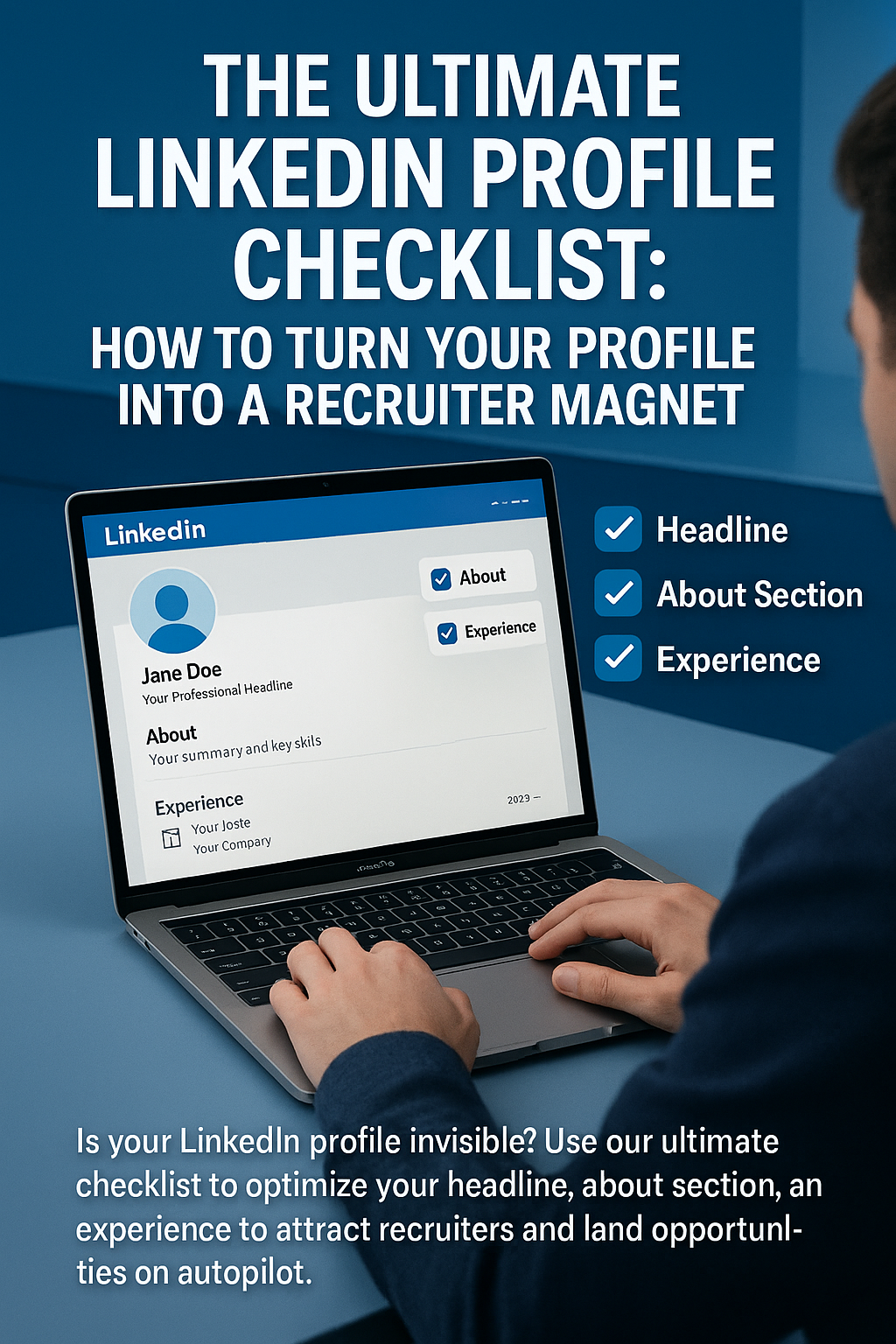
The Ultimate LinkedIn Profile Checklist: How to Turn Your Profile into a Recruiter Magnet
For many professionals, LinkedIn is a "set it and forget it" tool. You upload your resume, add a photo from a wedding you attended three years ago, and log in only when you are desperate for a job.
This is a massive missed opportunity.
In 2026, LinkedIn is not just a digital resume; it is your personal landing page. It is a 24/7 billboard that speaks to recruiters, hiring managers, and potential clients while you sleep. Research shows that over 90% of recruiters use LinkedIn to vet candidates, and many high-paying roles are filled by "headhunting" passive candidates who aren't even applying.
If your profile is optimized, opportunities come to you. If it’s stagnant, you are invisible.
Optimizing your profile doesn't require you to be a "content creator" or an influencer. It just requires you to understand the algorithm and the psychology of a recruiter. This comprehensive checklist will walk you through every section of your profile, transforming it from a static CV into a dynamic recruiter magnet.
1. The Visuals: Building Instant Trust
Humans are visual creatures. Your profile is judged in the first 3 seconds based on your images.
- The Profile Photo:
- Check: Is it current? (Look like you do on Zoom).
- Check: Is the background simple? (No distracted backgrounds).
- Check: Is your face 60% of the frame? (Smile!).
- Avoid: Selfies, cropped group photos (where a mysterious hand is on your shoulder), or avatars.
- The Background Banner:
- Check: Do you have one? The default gray/blue geometric pattern screams "I don't care."
- Action: Upload a simple image relevant to your industry (e.g., code on a screen for devs, a skyline for architects) or a simple text banner with your value proposition. Tools like Canva have free LinkedIn Banner templates.
2. The Headline: Your 220-Character Elevator Pitch
This is the only thing people see beside your name in search results and comments. If it just says "Student at X University" or "Manager at Company Y," you are wasting prime real estate.
- The Formula:
[Job Title/Role] | [Specific Skill/Specialty] | [Unique Value Proposition] - Bad: "Marketing Manager"
- Good: "Growth Marketing Manager | B2B SaaS Specialist | Scaling Startups from $0 to $10M ARR"
- Why it works: It includes keywords (B2B, SaaS) for the search algorithm and a result ($10M ARR) for the human reader.
3. The "About" Section: Tell a Story, Don't List Facts
Your Experience section lists what you did. Your About section explains who you are.
- The Hook: The first 3 lines are visible before the "See More" click. Make them count. Start with a strong statement or a question, not "I am a energetic professional..."
- The Narrative: Connect the dots. Why did you choose this career? What problems do you love solving?
- The Keywords: Weave in your core skills (SEO, Python, Project Management) naturally. This is SEO gold.
- The CTA (Call to Action): End with how people should contact you. "Open to networking. Reach me at [Email] or DM me here."
4. Experience: Results Over Responsibilities
Stop copying and pasting your job description. Recruiters know what a "Sales Manager" does. They want to know how well you did it.
- Format: Use bullet points (3-5 per role).
- The "So What?" Test: For every bullet, ask "So what?"
- Draft: "Responsible for managing the company blog." (So what?)
- Better: "Managed the company blog, publishing 4 articles weekly." (So what?)
- Best: "Revamped content strategy, increasing blog traffic by 150% YoY and generating 500+ inbound leads."
- Media: Attach links, PDFs, or images to your roles. Did you launch a website? Link it. Did you write a whitepaper? Upload it. Visual proof creates credibility.
5. Skills & Endorsements: The Algorithm Fuel
LinkedIn allows you to list up to 50 skills. Use all 50.
- Prioritize the Top 3: Pin your most critical hard skills to the top. If you are a coder, pin "Java," "React," and "System Design." Do not pin "Microsoft Word" or "Teamwork."
- The "Skill Assessment" Badge: Take LinkedIn’s automated skill quizzes. Earning a badge makes you stand out in recruiter searches.
6. The "Featured" Section: Your Portfolio
This is a vastly underused section that sits right below your About section. It is a carousel of your best work.
- What to add:
- Your Resume (PDF).
- A link to your personal website/portfolio.
- A high-performing LinkedIn post you wrote.
- A photo of you speaking at an event or receiving an award.
7. URL & Settings: The Final Polish
- Customize your URL: Change
linkedin.com/in/john-doe-29384928tolinkedin.com/in/johndoe-marketing. It looks cleaner on your resume. - "Open to Work" Frame:
- Public (Green Frame): Good if you are unemployed and need immediate help.
- Private (Recruiters Only): Good if you are currently employed. It signals to recruiters you are looking without alerting your boss.
Conclusion: It's a Living Document
Your LinkedIn profile is not a statue; it’s a garden. Tend to it. Spend 15 minutes a week engaging with others, updating a skill, or posting an industry insight.
When you optimize your profile, you shift the power dynamic of the job search. You stop chasing jobs, and jobs start finding you.
To see how your new profile stacks up against the competition, compare it with successful profiles in your industry on JobPe.
For more tools to build your personal brand, https://jobpe.com.

